
TL;DR:
- Effective remote music collaboration requires using a single platform for files and communication.
- Asynchronous workflows are generally preferred for flexibility and time-zone differences, while real-time jamming demands low latency setups.
- Success depends on clear leadership, structured processes, and proactive human management rather than just technology.
Remote music collaboration sounds exciting until you're buried under eight versions of a guitar track named "final_FINAL_v2," three people are using different tempos, and nobody can agree on which folder holds the latest mix. Most musicians dive into online projects with enthusiasm and hit a wall of chaos within a week. The good news is that this isn't a talent problem or even a technology problem. It's a coordination problem, and it's entirely solvable. This article walks you through tools, technical setups, workflow strategies, and the real-world pitfalls that derail most remote music projects before they get off the ground.
Table of Contents
- Essential tools and setups for online music collaboration
- Setting clear project guidelines and technical specs
- Choosing the right workflow: Asynchronous vs real-time collaboration
- Optimizing real-time jam sessions: Latency, setup, and troubleshooting
- Best practices and case studies: Real-world results
- The truth about remote music coordination: What actually works
- Take your music project further with JamClub
- Frequently asked questions
Key Takeaways
| Point | Details |
|---|---|
| Centralize communication | Always use one platform for all project files, comments, and updates to reduce confusion. |
| Agree on technical specs | Align on file formats, sample rate, and workflow before starting to prevent compatibility issues. |
| Match workflow to needs | Choose asynchronous methods for flexible production and real-time tools for jam sessions. |
| Manage latency for live jams | Wired Ethernet, low buffers, and geographic proximity minimize lag during real-time collaboration. |
Essential tools and setups for online music collaboration
The first instinct most musicians have is to grab whatever app their bandmate already uses. One person is on WhatsApp, another on Discord, files land in someone's email, and feedback gets scattered across three platforms. This approach guarantees confusion. Music Collaboration Online is clear on this: use one platform as the source of truth for all files, feedback, and communication to avoid version chaos.
For beginners, cloud-based digital audio workstations (DAWs) are a natural starting point. BandLab and Soundtrap are both free, browser-based, and require zero installation. They're excellent for sketching ideas and sharing rough tracks. The tradeoff is limited processing power and fewer advanced features. If your project grows more complex, you'll outgrow them quickly.
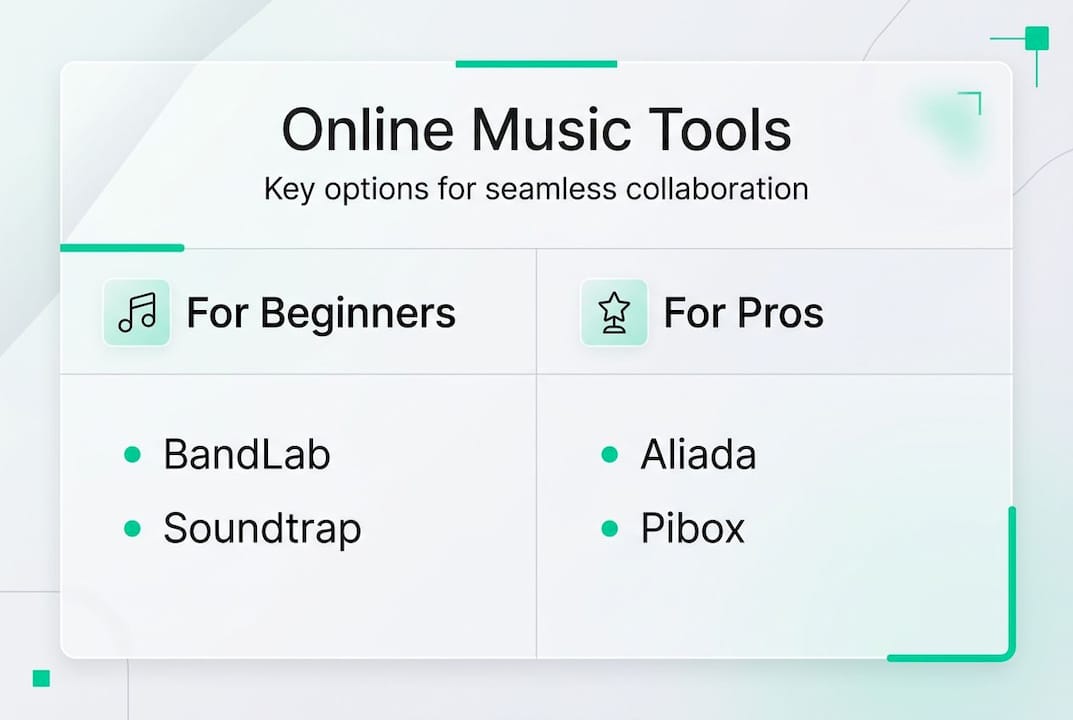
Pro-level teams gravitate toward purpose-built platforms like Aliada or Pibox, which offer version control, lossless audio, and detailed permission settings. These tools treat your project like a software repository, meaning every change is logged and reversible. That peace of mind alone is worth the learning curve.
Here's a quick comparison to help you decide:
| Platform | Skill level | Key feature | Cost |
|---|---|---|---|
| BandLab | Beginner | Built-in DAW, sharing | Free |
| Soundtrap | Beginner | Browser-based, chat | Free/Paid |
| Aliada | Pro | Version control, lossless | Paid |
| Pibox | Pro | Stem management | Paid |
| Dropbox + DAW | Any | File storage, flexible | Free/Paid |
For exploring music collaboration ideas beyond just file sharing, consider pairing your main platform with a dedicated communication tool like Slack or Notion for project notes. And if you want to discover how others are already using music sharing platforms creatively, you'll find those communities incredibly motivating.
Key tools to add to your setup:
- A cloud DAW or shared project folder
- A dedicated group chat (separate from personal messaging)
- A shared document for project goals, deadlines, and notes
- A video call option for creative direction sessions
Pro Tip: Set up your folder structure before your first session. Use a naming convention like ProjectName/Track/Version so nothing ever gets lost. Label every file with the song name, version number, and part (for example: BlueMoon_V3_LeadGtr.wav).
Setting clear project guidelines and technical specs
Once your tools are ready, the next move is to get everyone speaking the same technical language. Mismatched specs are the silent killers of online projects. One player records at 44.1kHz, another at 48kHz, and suddenly your mix sounds like a bad dream. Agreeing on technical specs upfront including sample rate, tempo, key, and file formats prevents these compatibility nightmares before they happen.
This sounds tedious, but a five-minute kickoff conversation saves hours of troubleshooting later. Create a shared project document and fill it in together on day one. Include the agreed tempo in BPM, the musical key, the target sample rate (44.1kHz for most music), the preferred file format (WAV for quality, MP3 for quick shares), and who holds final approval on edits.
Naming conventions deserve their own paragraph because they matter more than most people realize. A file called "vocals.wav" tells you nothing. "NightOwl_V2_BGVox.wav" tells you everything. Set the standard early and enforce it gently but consistently. Your future self will be grateful.
New project kickoff checklist:
- Agreed BPM and key signature
- Sample rate and bit depth (e.g., 44.1kHz / 24-bit)
- File format for exchange (WAV preferred)
- Naming convention written down and shared
- Permission levels: who can edit, who can comment only
- Deadline for each milestone
- Version numbering system (V1, V2, not "final")
Permission settings are often overlooked. Not everyone needs edit access to everything. Giving a guest vocalist write access to your master project folder is a recipe for accidental overwrites. Use read-only or comment-only permissions where appropriate, and reserve full access for the project lead.
For deeper collaboration workflow tips, especially when roles aren't fully defined yet, it helps to assign a "project coordinator" role to one person. This doesn't have to be the most experienced musician. It just needs to be someone reliable who checks in regularly.
Pro Tip: When a new member joins mid-project, share the project document and a "welcome brief" covering current status, file naming rules, and any stylistic decisions already made. This cuts their onboarding time in half and prevents them from accidentally breaking the workflow.
Choosing the right workflow: Asynchronous vs real-time collaboration
This is the decision that shapes everything else. Asynchronous (or async) collaboration means each musician records their part independently and uploads it for others to build on, with no need to be online at the same time. Real-time collaboration means everyone is connected live, playing or producing simultaneously.
About 90% of professional remote work uses async file exchange because it's flexible, time-zone-friendly, and less dependent on perfect internet connections. Real-time jamming is powerful but demanding. It requires low-latency tools, stable bandwidth, and participants who are geographically close enough to keep delay manageable.
How do you pick the right one for your project? Ask these questions:
- What's the goal? Full production favors async. Spontaneous creativity favors real-time.
- How large is the group? Bigger groups (four or more) work better async.
- What's everyone's internet situation? Unreliable connections rule out real-time.
- What's the time zone spread? Wide spread makes async the only practical choice.
- What's the skill level? Real-time jamming demands more technical confidence.
Digital tools that transform jam sessions have made both options more accessible, but knowing which mode fits your situation is still the critical call. Here's a side-by-side look:
| Factor | Async | Real-time |
|---|---|---|
| Time zones | Works across all | Needs overlap |
| Internet needs | Moderate | High/stable |
| Creative feel | Thoughtful, layered | Spontaneous, energetic |
| Best for | Production, mixing | Jamming, songwriting |
| Tools | BandLab, Dropbox | JamKazam, Jamulus |
Exploring different jam session types can also guide you toward the format that suits your musical goals. Many successful projects use a hybrid approach: async for tracking and production, real-time for creative direction calls. Understanding global collaboration benefits can also push you to embrace async as a feature, not a compromise.
Optimizing real-time jam sessions: Latency, setup, and troubleshooting
If you've chosen the real-time route, latency is the enemy. Latency is the delay between when you play a note and when your collaborator hears it. Even 50 milliseconds of delay makes playing together feel awkward. Above 100ms, it becomes nearly impossible to stay in sync.
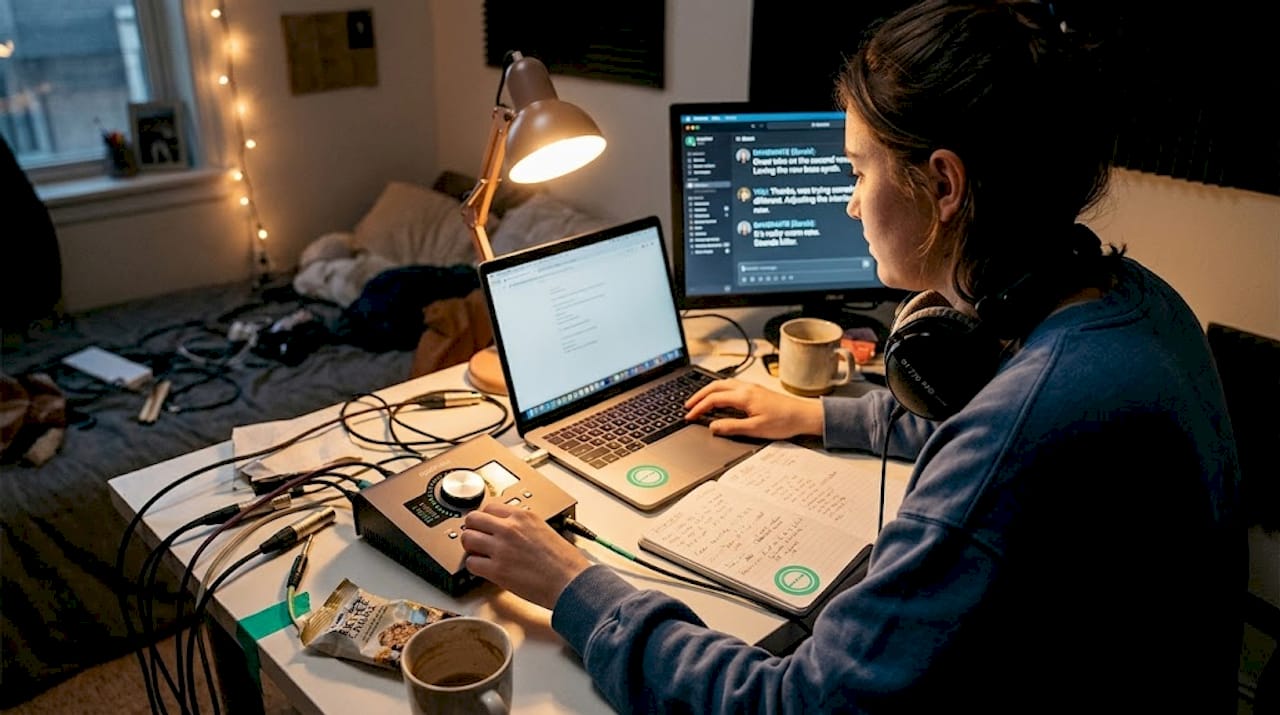
For smooth real-time jams, wired Ethernet is essential, along with low buffer sizes, geographic proximity under 500 miles, and a latency test before every session. Wi-Fi introduces inconsistent delays. A wired connection is non-negotiable for serious live jamming.
Here's what your setup checklist should include:
- Wired Ethernet connection (no Wi-Fi)
- Audio interface with ASIO drivers (Windows) or Core Audio (Mac)
- Buffer size set to 64 or 128 samples
- Dedicated low-latency platform (JamKazam, Jamulus, or Sonobus)
- Pre-session network speed test (aim for 10Mbps upload minimum)
- Headphones only (speakers cause feedback loops)
| Tool | Typical latency | Best use case |
|---|---|---|
| JamKazam | 15-40ms | Small groups, structured |
| Jamulus | 10-30ms | Open source, customizable |
| Sonobus | 20-50ms | Peer-to-peer, flexible |
| JamBlaster | 30-60ms | Casual jams |
For troubleshooting, start with the connection before blaming the software. If you experience dropouts, reduce your buffer size or ask participants to close background apps. If latency spikes unpredictably, check whether someone is on Wi-Fi. Geographic distance matters more than people expect. Two musicians in different countries will often struggle to maintain the sub-50ms threshold needed for comfortable live play.
For more on digital jam session tools and how to configure them properly, there are detailed guides available. Running through a jam session checklist before each live session cuts technical issues dramatically.
Best practices and case studies: Real-world results
Knowing what success looks like helps. Consider the case of the band "The Giver," which coordinated production across three continents using Ohm Studio's remote collaboration software. They shifted their entire workflow, opened their project to crowdsourced contributions, and completed an album that would have been logistically impossible through traditional means. The key wasn't just the software. It was a deliberate process built around clear roles and open communication.
Most remote projects fail for predictable reasons. Here are the top five mistakes and how to sidestep them:
- No designated leader. Leaderless projects stall. Assign someone to make final calls and keep momentum.
- Skipping the tech alignment call. Mismatched specs waste time. Do the setup conversation before any recording happens.
- Feedback without structure. Vague notes like "make it better" create friction. Use timestamped feedback tools.
- Ignoring version control. Overwritten files kill trust. Use a platform with rollback capability.
- Losing energy between sessions. Remote teams lose momentum without regular touchpoints. Schedule short weekly check-ins.
Measure your project's coordination health by tracking simple signals: Are files uploaded on time? Is feedback getting responded to within 48 hours? Are milestones being hit? If the answer to any of these is consistently "no," the process needs attention, not more gear.
For additional inspiration on unlocking creative growth through remote collaboration, connecting with musicians who have done it successfully can shift your entire mindset.
Pro Tip: Create a brief "weekly update" message in your group channel. One sentence on what was completed, one on what's next. This keeps everyone oriented and prevents the slow drift that kills long-distance projects.
The truth about remote music coordination: What actually works
Here's what most guides won't tell you: the tools are the easy part. Any functional DAW and a shared folder can get the job done technically. What actually derails remote projects is unclear leadership, passive communication, and the assumption that good musicians will naturally self-organize. They won't, and that's not a criticism. It's just how group dynamics work.
The projects that succeed share one common trait: someone took ownership of the process, not just the music. They set expectations early, checked in consistently, and handled conflict directly rather than letting it fester in a group chat. That's not a software feature. That's emotional intelligence applied to project management.
If your collaboration feels stuck, look at the human layer before you look at the tech layer. Nine times out of ten, the fix is a direct conversation, not a new plugin. You can save your collaboration by addressing the people side of the process with the same care you give the sound.
Take your music project further with JamClub
Putting these strategies into practice is a lot easier when you have a platform built specifically for musicians who want to coordinate and connect. JamClub brings together the tools you need to find collaborators, organize sessions, and build the kind of music community where great projects actually happen.
Whether you're ready to find and create jam sessions near you or want to start your own project from scratch, JamClub gives you a centralized space to make it real. RSVP management, real-time messaging, and a growing network of musicians at every level are all waiting. Explore JamClub and take your next musical step today.
Frequently asked questions
What is the single best way to avoid confusion in an online music project?
Centralize everything on one platform that every collaborator uses exclusively. One source of truth for files, feedback, and communication eliminates version conflicts and keeps everyone aligned.
Should I use asynchronous or real-time workflows when collaborating remotely?
Async file sharing suits most productions because it's flexible and time-zone-friendly. Real-time jamming works best for spontaneous creative sessions when all participants have reliable, low-latency connections.
What's the most common technical problem in remote jamming and how do I solve it?
Latency is the biggest obstacle in live online sessions. Wired Ethernet, low buffer sizes, and keeping participants within 500 miles of each other gives you the best shot at staying under the 30 to 50ms threshold where playing together feels natural.
How do experienced musicians keep everyone motivated in remote projects?
Clear role assignments, structured onboarding for new members, and regular brief check-ins maintain momentum. Consistent feedback loops, where responses happen within 48 hours, signal to every contributor that their work matters and the project is moving forward.